
Feb 19
Load Custom Instructions from 📄 files or 🌐 URLs — ✏️ edit in your favorite app, 👥 share with your team, ☁️ sync via iCloud, Dropbox, or GitHub
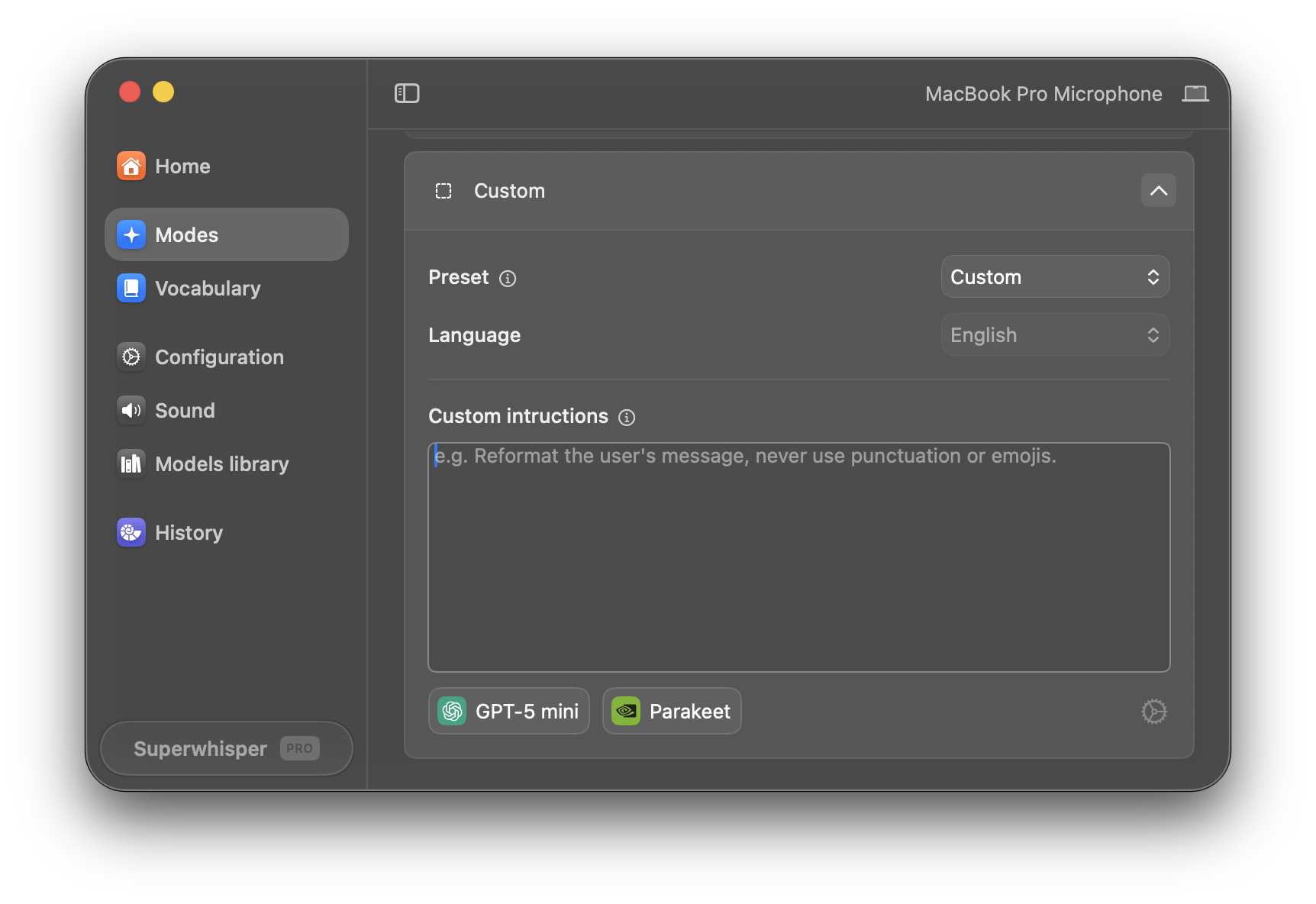
Instead of manually pasting instructions into the text box every time you make a change, a mode could point to one or more files or URLs and load them fresh each time it runs.
✏️ Better editing experience
- Use any text editor or notes app — no more squinting at a tiny text box
- Changes go live automatically — save the file and SuperWhisper uses it next time
- Your instructions are safe on your computer — no risk of accidentally overwriting them
👥 Easy sharing and reuse
- Share a URL so your whole team uses the same instructions — always in sync
- Point multiple modes at the same file — update once, every mode stays current
- Mix a shared base prompt (URL) with personal additions (local file)
☁️ Syncs across devices with iCloud, Dropbox, GitHub, or OneDrive
- Store the file in cloud storage or host it at a URL — instant sync across all your Macs
- Apps and workflows can write context to a file before transcription, so the AI already knows what you're working on
⚙️ How it could work
A new field in the mode settings where you add one or more file paths or URLs. SuperWhisper reads them each time the mode activates, alongside or in place of the text box.
If this would be useful to you, please hit the ❤️!
Pending