SuperwhisperS
Superwhisper
Nov 27

Live transcript into a text file

Sorry if this is a duplicate, I didn't find it before… I'd love to be able to use superwhisper for meeting transcripts. Would be great if there's an option in the recording window to simply unfold the text history below and have a continuous transcription stream, that's also streamed into a text file appear. That way, even if things crash, I would have a text transcript that I can then chunk into pieces and summarise. It would also allow me to dictate longer text without having to rely on the clipboard. Thanks!
PendingPending

6 days ago

I really hope this is what you mean. I have been making a few posts requesting the same features as Notion AI where you can have a notes page that contains text transcript as it's being dictated. It's so frustrating because it was such a good feature that Notion did quite well. The fact that you can also ask AI on the spot as the text is being transcribed had me paying premium price for it every year. I have ADHD and sometimes it's very difficult having to keep asking the other person to repeat again and again. Thanks for the post! :)

Sep 22, 2026

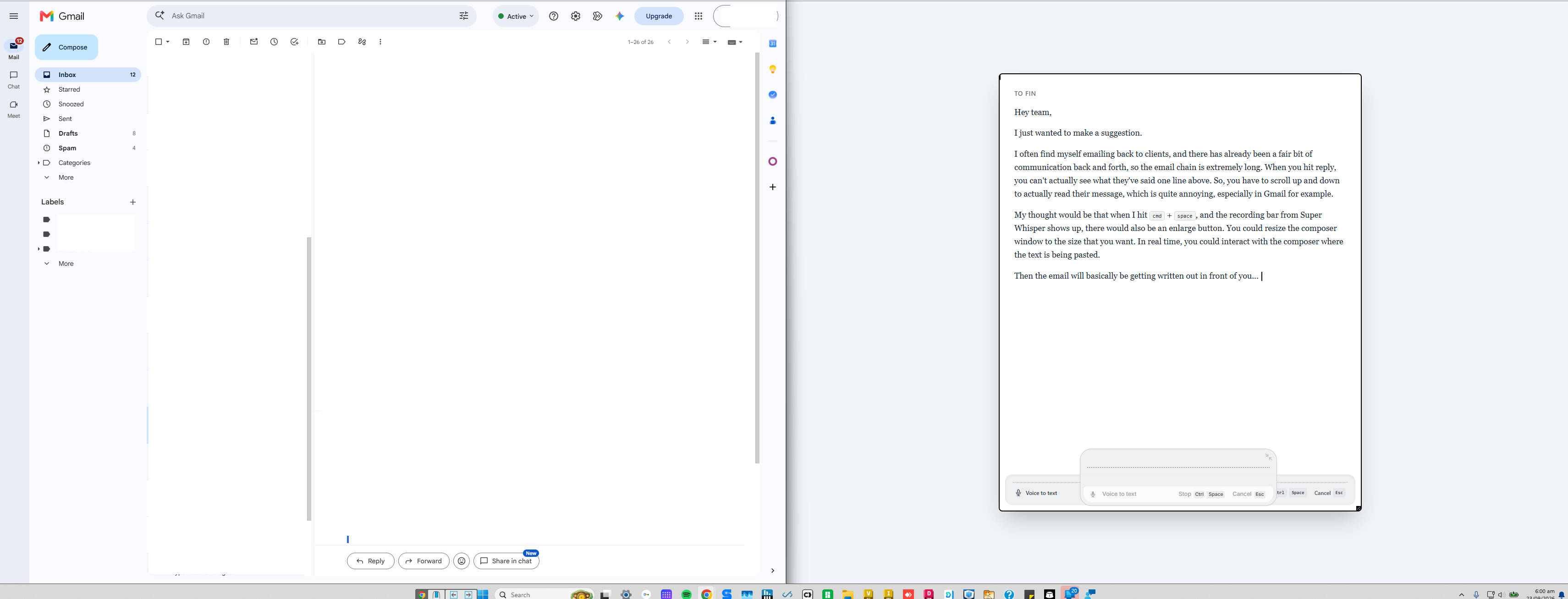
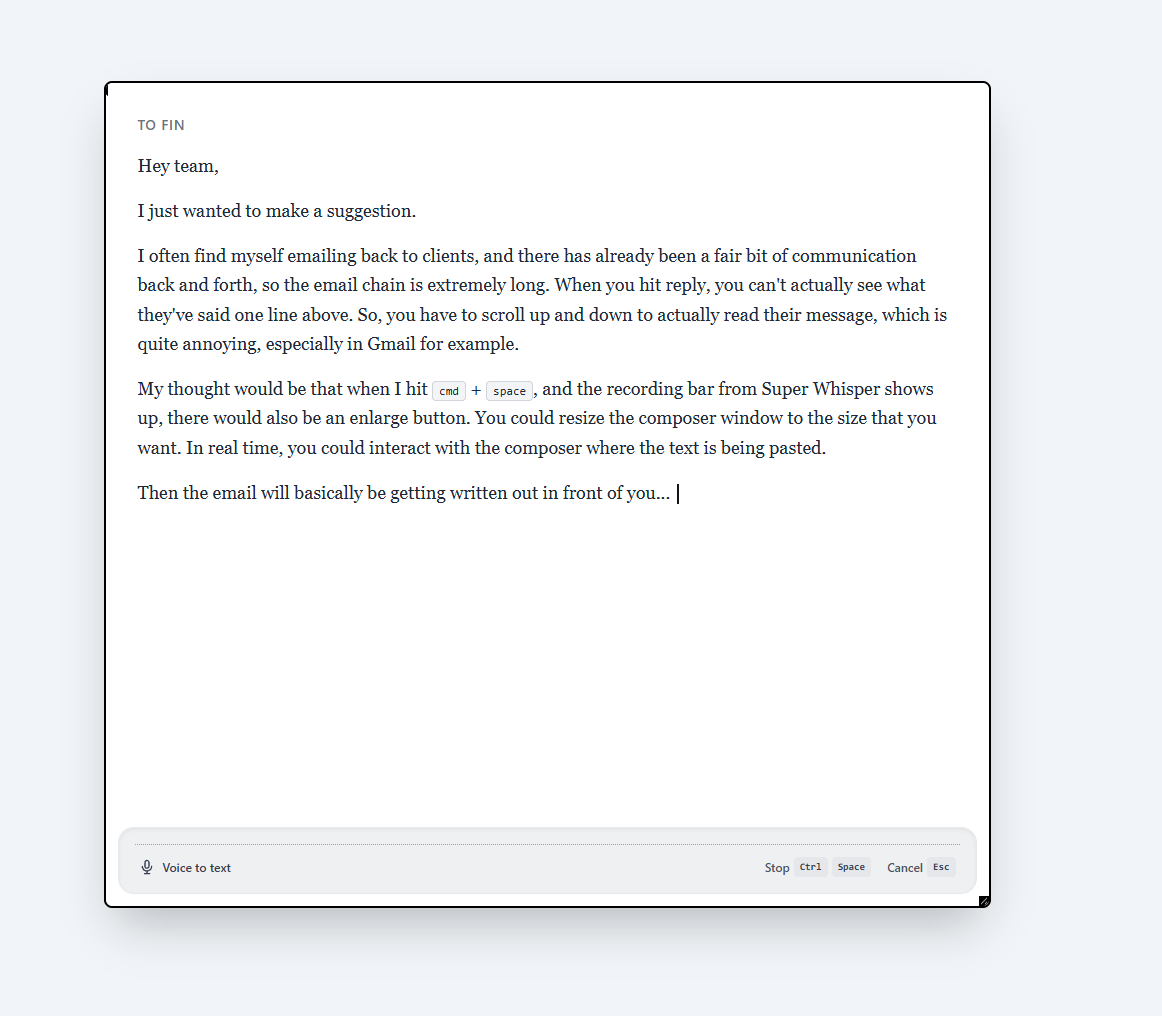
I'm just digging through all these requests and i think this is the closest one i could find to what i am thinking as well. heres a visual example i had gemini put together. Long story short, 1. command spacebar to get the composer slot shaped module to pop up. 2. Instead of hitting the minimiser button in the top right of the window, you could hit a expand icon. 3. Then a composer window would populate just like the first image I've attached and you could resize this as you please 4. Then you could begin your voice reporting and ideally after each sort of somewhat structured sentence of text where SuperWhisper thinks this is a complete sentence it would then assess, analyse and transcribe that text into the composer So you're gonna go closer and obviously fix whatever errors he may have made, that's where I believe word for word transcription in real time might not be possible. 5. Another really important feature which supposedly works but I can't get it to work would be being able to say "newline" or "next line" to get your next sentence down by a couple of lines so you can actually structure the email nicely 6. Being able to say numbered list and then number one or point one I need this to be written, point two now I'm telling you about this, point three I had an apple for lunch, point four We need to talk about the drawings and have super whisperautomatically list these items as, ( this is not important at all right now) having that ability to simply say "new line" or "next line" would be the biggest benefit right now. 7. Once you've completed the text that you have begun working on inside the composer, you could then copy and paste it directly out of there and then use the X button at the top and you could maybe even say clear I can see your data or something along those lines to get rid of it or could maybe also be saved just in case something goes wrong in the background. I just have my settings at delete once per day or every 24 hours so I don't mind if something's saved to the clipboard

Nov 24, 2025

Yeah a similar requirement is here: https://feedback.superwhisper.com/board/p/add-custom-mode-op… The main additional request would be that it should be possible to input some kind of a prefix in settings that should be used and to define a folder where the transcripts end up. Every new transcript would automatically turn into a file in this folder. Have a specific prefix and then generate some generic additional file name based on date and time in order to keep things apart

Dec 6, 2024

I left a similar comment on a different intake item, but this idea could be another solution to my problem, so I'm upvoting. My use case is wanting to retain meeting transcripts as a back up to my generated meeting notes.